
F5 ASM Logon Page
This is a custom logon page for F5 APM use, with dynamic OTP/Push
The standard F5 APM logon page can be customized to your needs. This customization is a feature that is available for a long time now within F5 APM. But for this customized page, i changed the page so it can show and hide fields dynamically.
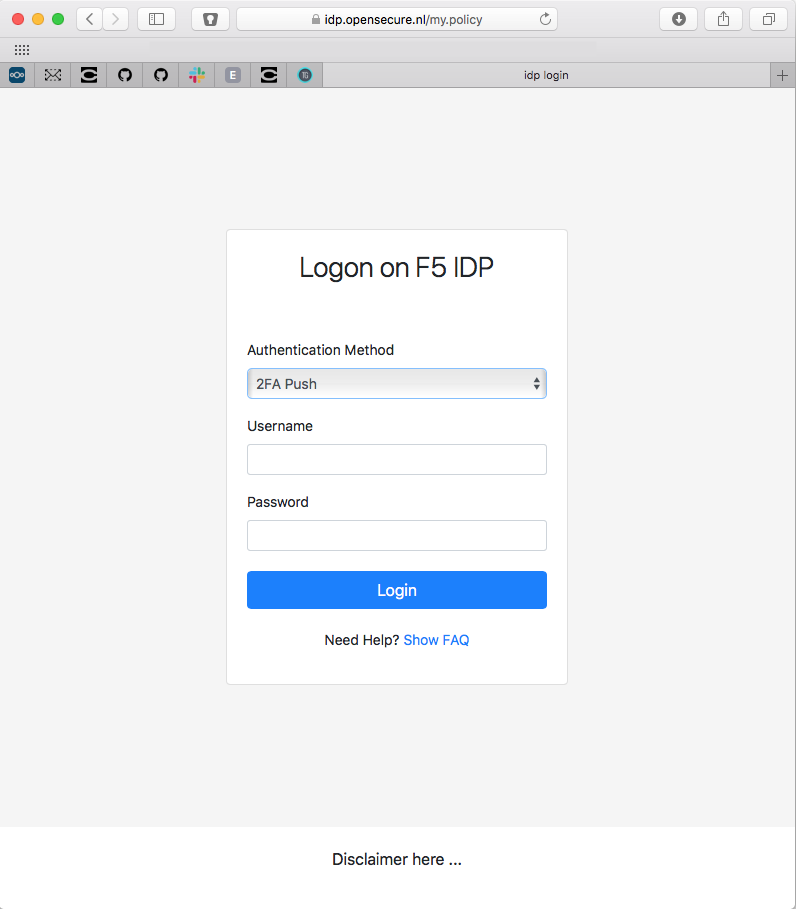
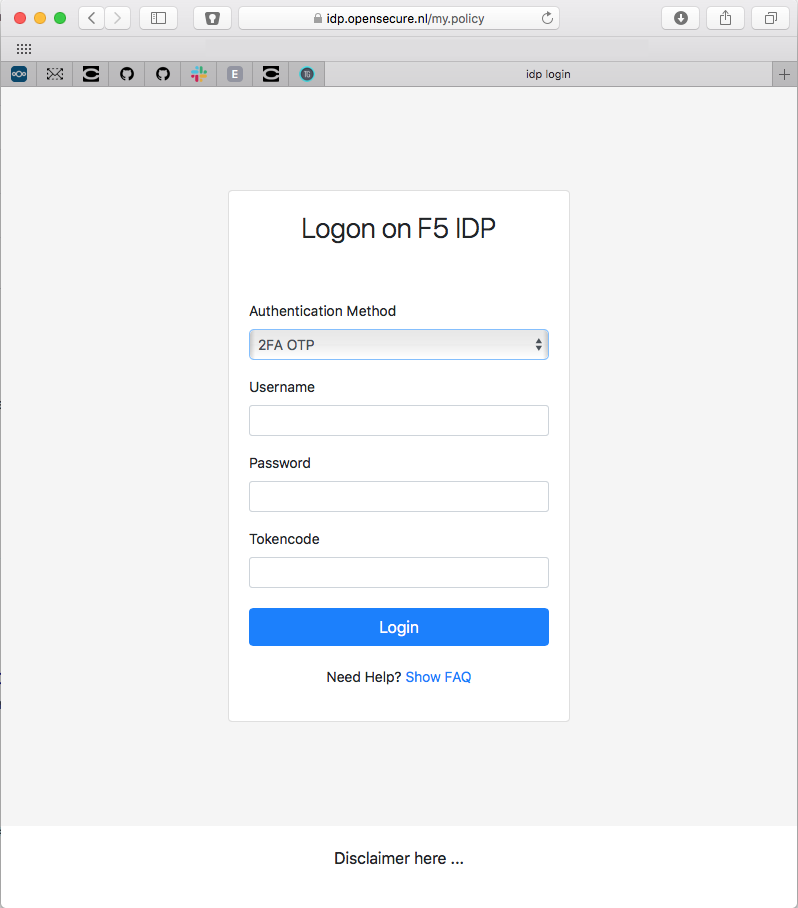
The user can choose if he wants to use 2FA with push or 2FA with OTP. Based on the selected option the OTP field is shown or hidden.
This is how it looks
Here the OTP field is hidden
Here the OTP field is shown
And here is the simple function that makes it happen:
function showDiv(select){
   if(select.value==1){
    document.getElementById('otp-group').style.display = "block";
   } else{
    document.getElementById('otp-group').style.display = "none";
   }
}
Got questions? Just contact me.